Ask first, route anywhere
Summon instantly with one hotkey, type your question, and choose: stream an in-app BYOK answer or route to web platforms, desktop apps, and CLI agents in 1 click.
Ask first, decide where it goes after. A fast macOS menu-bar AI assistant & query router.
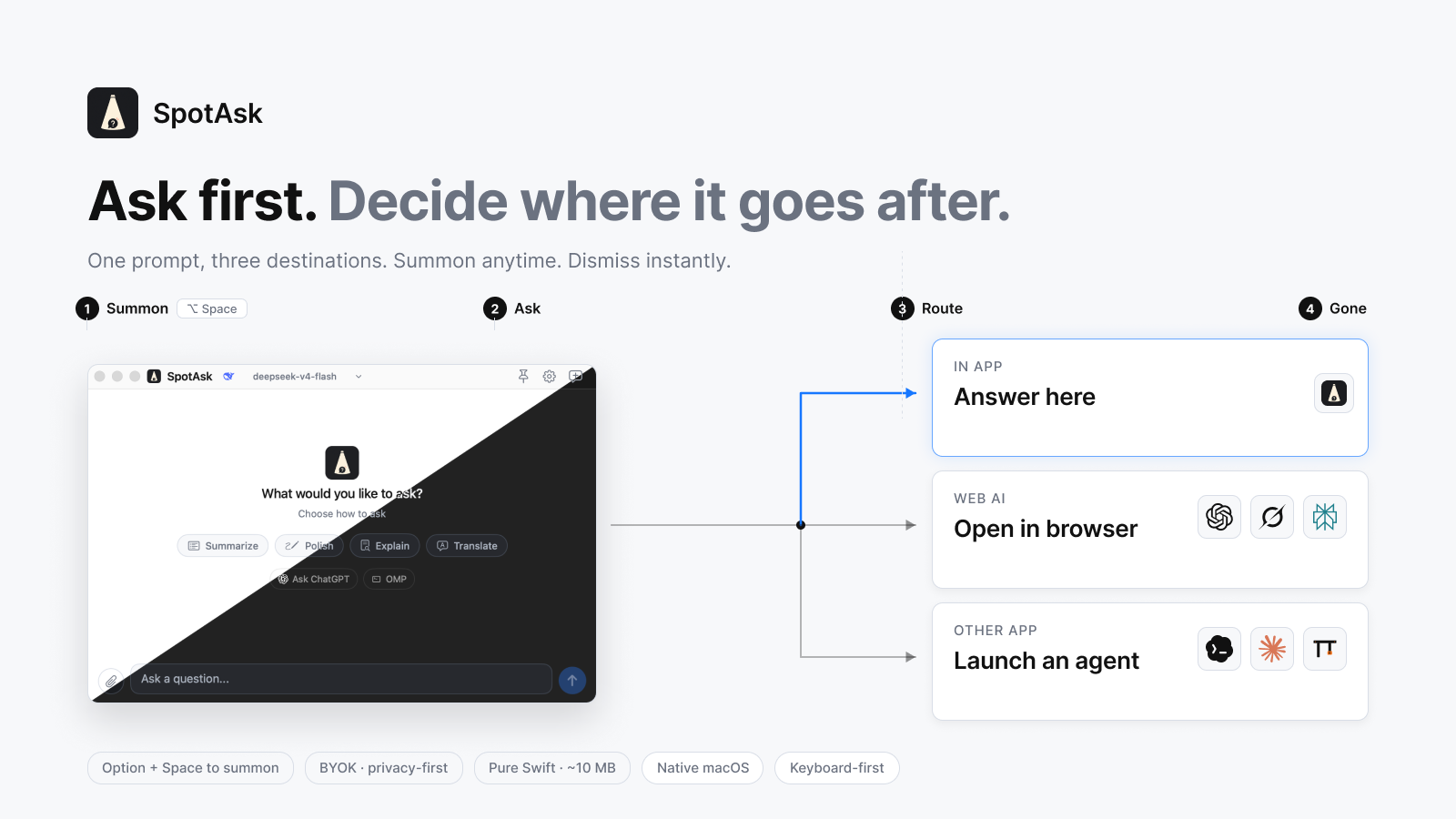
SpotAsk is a free, open-source macOS menu-bar AI assistant and query router built on a simple premise: "Ask first. Decide where it goes after."
Press one hotkey — Option + Space by default — and a focused question window appears instantly over whatever you are doing. Write down your thought while it is fresh, then choose how to handle it:
There is no account system, no telemetry, and nothing between you and your AI provider. When you close the window (Esc), SpotAsk is done and gone — leaving your workspace clean and uninterrupted.
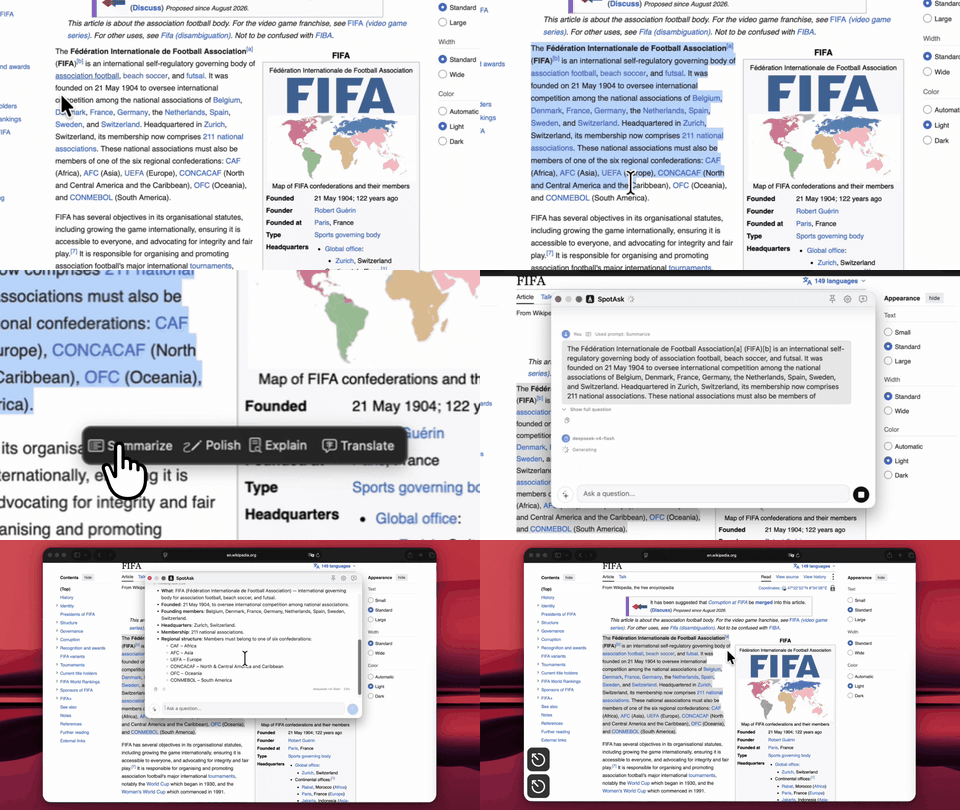
The quickest way to see the core workflows is to watch the GIFs below. The hotkey workflow opens a chat window from any app; the selection workflow shows actions next to text you select; and External Ask routes queries to local CLI agents and external tools in one click.